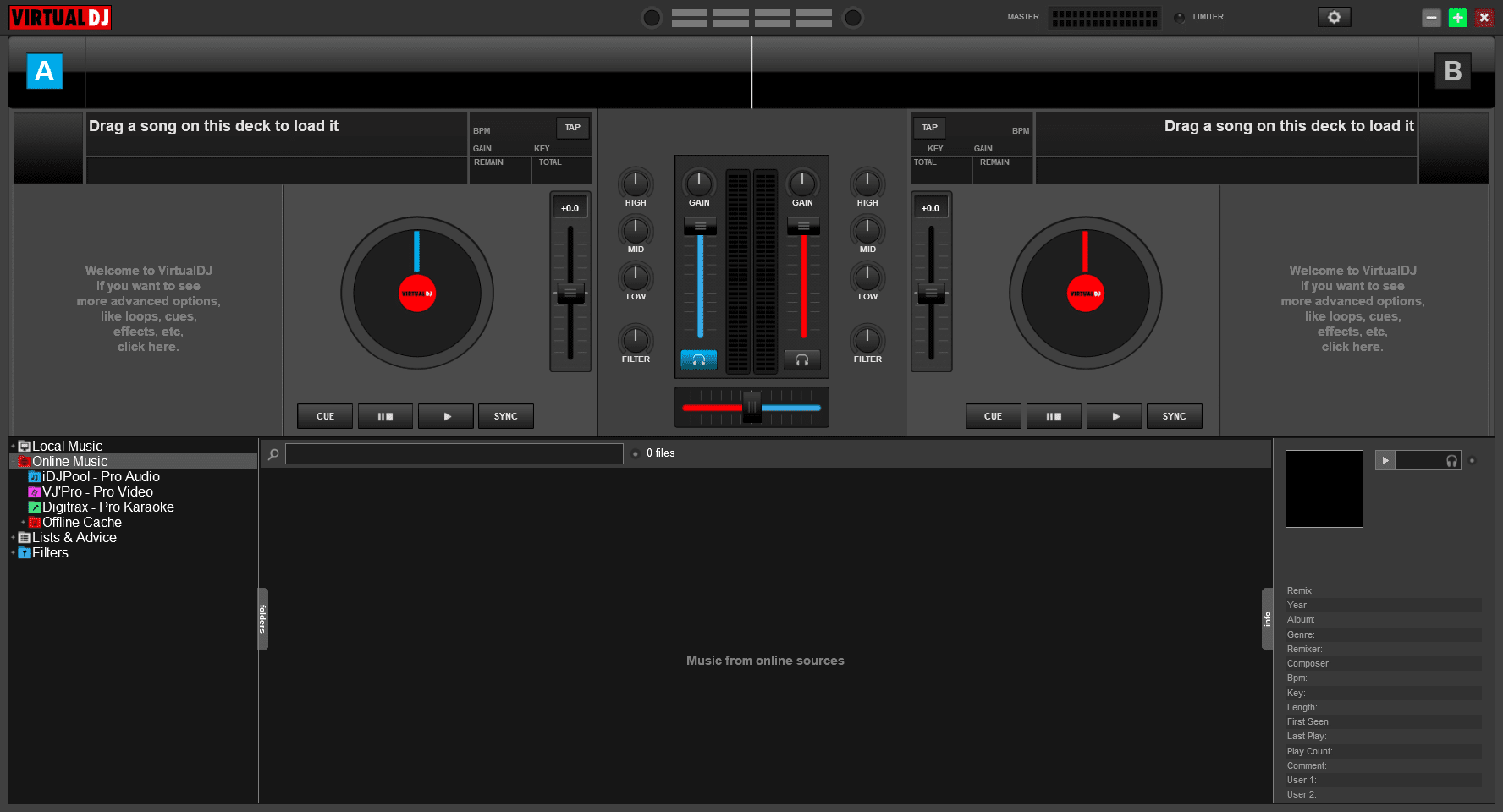
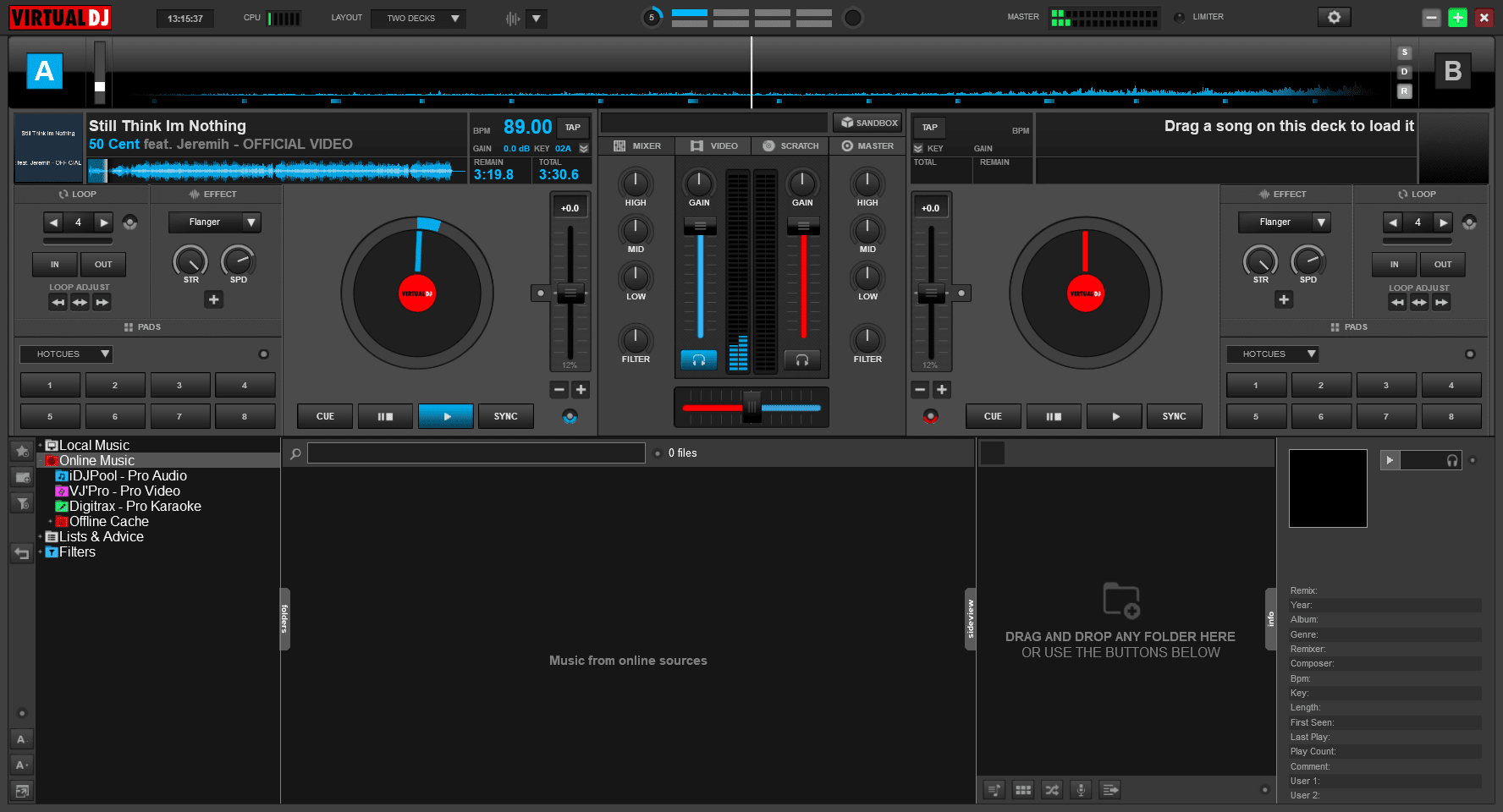
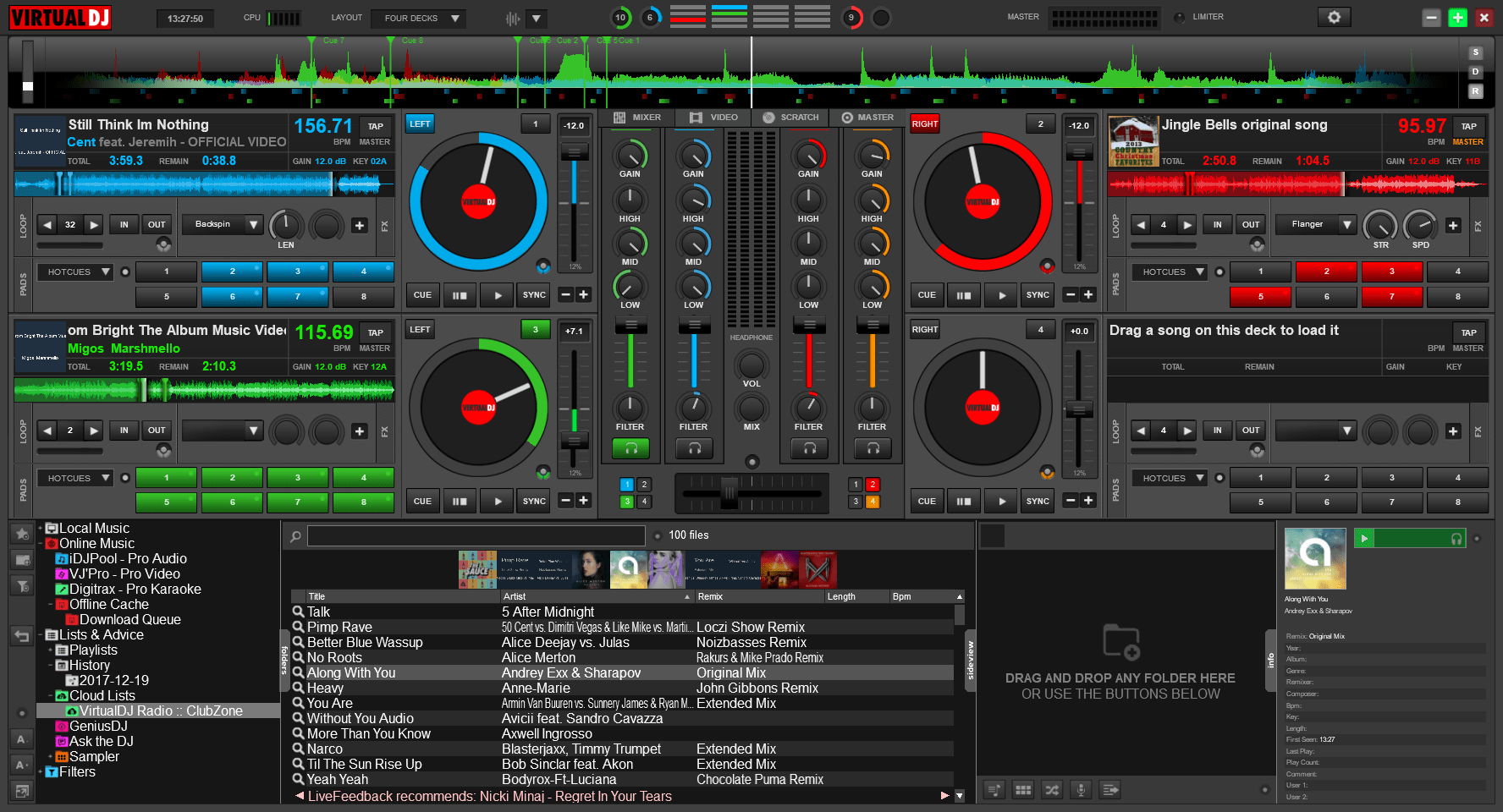
Virtual DJ is free software for non-commercial home use that lets you run your own DJ setup virtually. It has been built from the ground up to include all the bells and whistles you need, so that you don't have to buy a single piece of physical equipment.
Everything a DJ could ever want to do can be accomplished from within Virtual DJ. Whether it's spinning the decks, transitioning between tracks, mixing beats together, or handling similar tasks, the controls are pretty much right in front of you as soon as you open up Virtual DJ for the first time.
Adapting the layout
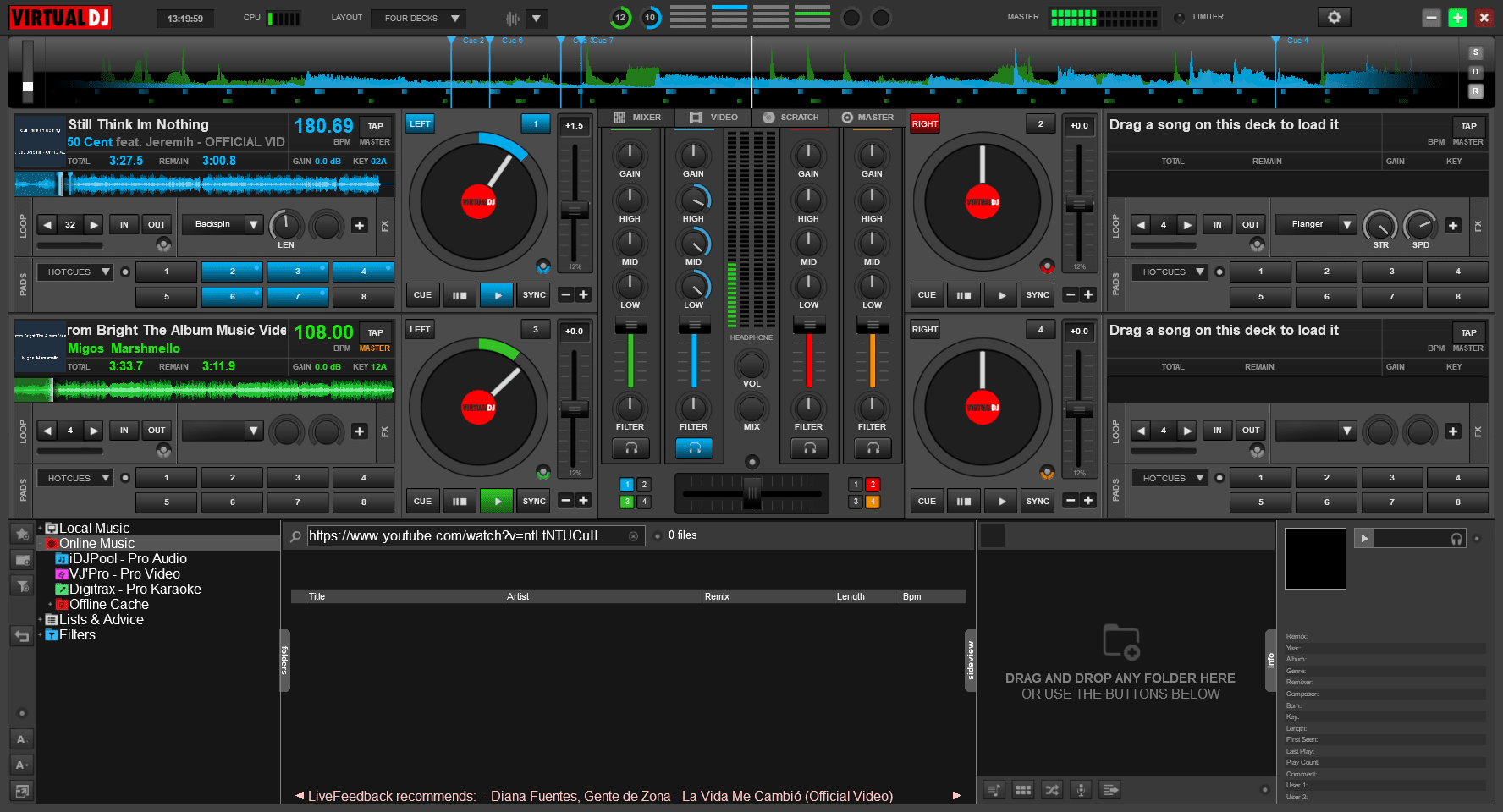
The first thing you'll likely want to do is tweak the interface by clicking the layout menu located at the top of the screen. You are given the choice to display anywhere from two to six decks on screen at once, each of which can have its own track playing.Loading and mixing tracks
To get tracks, you can drag and drop music files onto each individual deck. You can also find music from online catalogs by browsing through the folder tree provided on the bottom left-hand side of the screen.
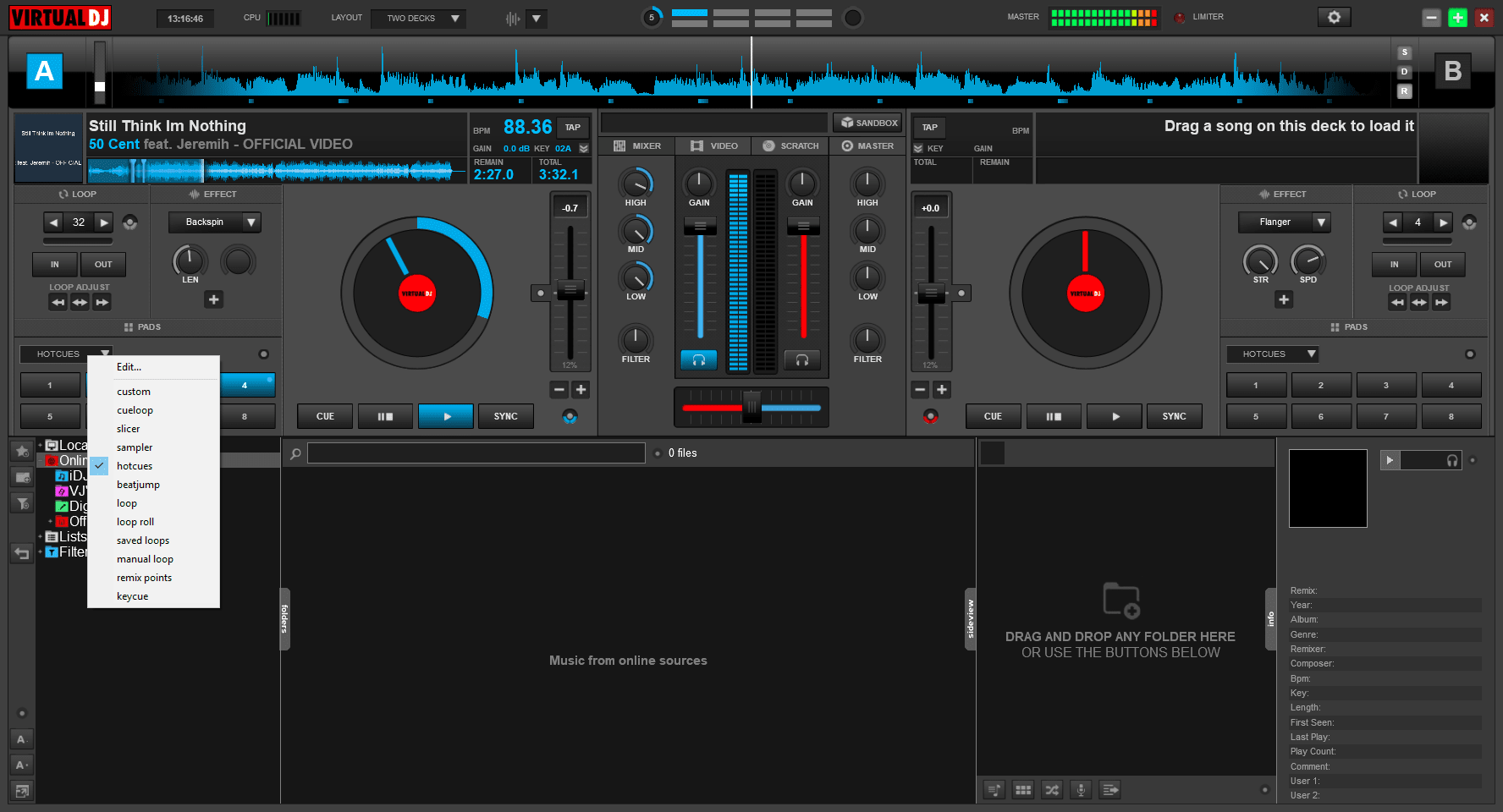
When it comes to mixing tracks, you have a lot of freedom. You're given multiple controls to set hot cues, trigger loops, fire samples, and execute beat jumps. You are also given different mixer controls for each separate deck. This means you can adjust the volume, lows, mids, and highs for each individual track separately.A steep learning curve
Our only complaint with Virtual DJ is that it can feel a little overwhelming for someone new to DJing. Like most powerful tools, it takes a bit of learning to understand how all the functionality works. Thankfully, there is plenty of information and online tutorials available that can help with this.